TV Pro 300 PTZ Camera Settings
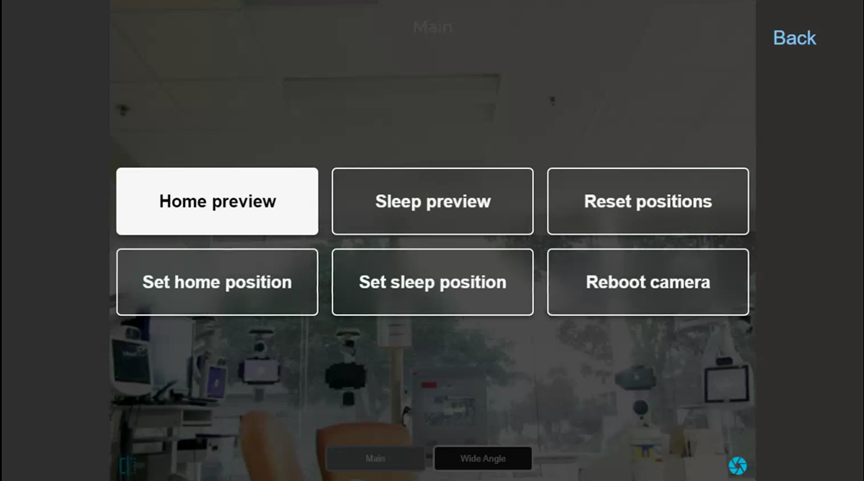
The user can select the shutter icon  on the bottom right corner to reveal the six buttons relating to the PTZ camera.
| Button | Function |
| Home preview | Allows the user to preview the home position, which is the camera position during a virtual session. |
| Set home position |
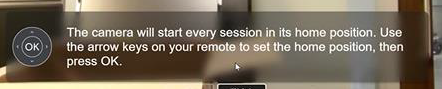
Allows the user to set the home camera position. When this button is pressed, a message will inform the user how to set that with the remote control.
|
| Sleep preview | Allows the user to preview the sleep position, which is the camera position when there is no virtual session. |
| Set sleep position |
Allows the user to set the sleep camera position. When this button is pressed, a message will inform the user how to set that with the remote control.
|
| Reset positions | Reset the PTZ camera. |
| Reboot camera | Reboot PTZ camera – cycles the PTZ camera's power. |