PTZ Camera Basic Settings
Access the
-
Tap or click on the screen and select the
 icon.
icon. -
Select the

Update PTZ Camera Basic Settings
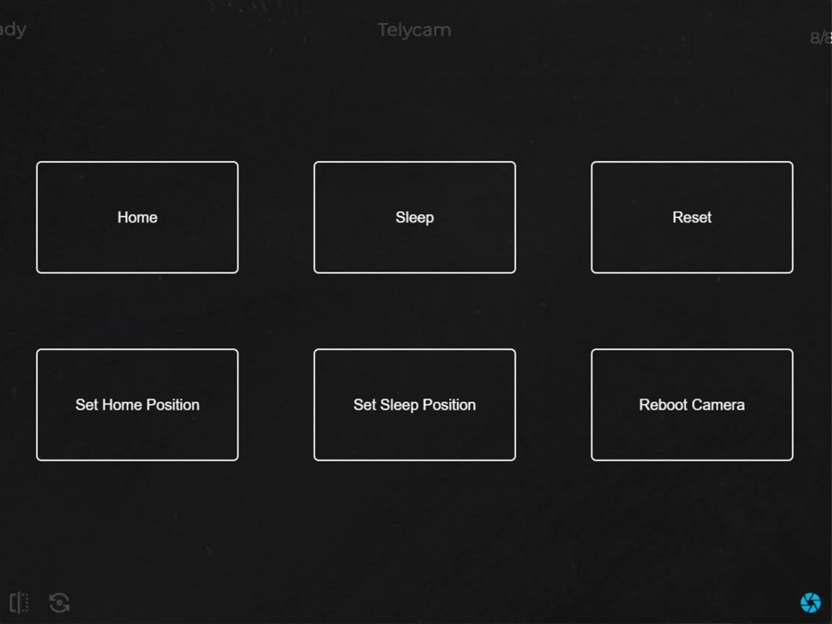
| Button | Function |
| Home | Point the PTZ camera to the preset Home location. |
| Set Home Position |
Set the Home location for the PTZ camera. |
| Sleep | Point the PTZ camera to the preset Sleep location |
| Set Sleep Position | Set the Sleep location for the PTZ camera. |
| Reset | Reset the PTZ camera. |
| Reboot Camera | Reboot PTZ camera - cycles the PTZ camera's power. |