Inviting Unauthorized Guests by Phone or Email
Note: Contact your Teladoc Health representative to enable this feature.
Follow the steps below to invite a guest by phone to a MultiPresence session.
-
Connect to the Teladoc Health device as a MultiPresence host.
-
Click the invite button (
 ).
).
-
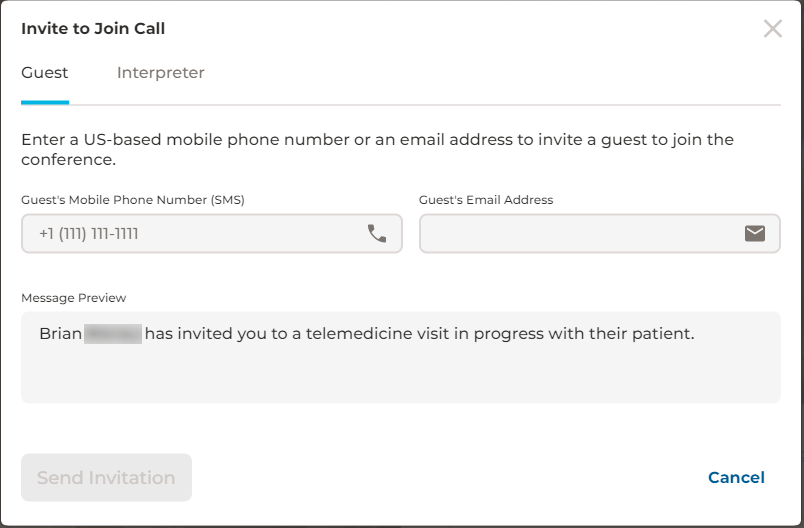
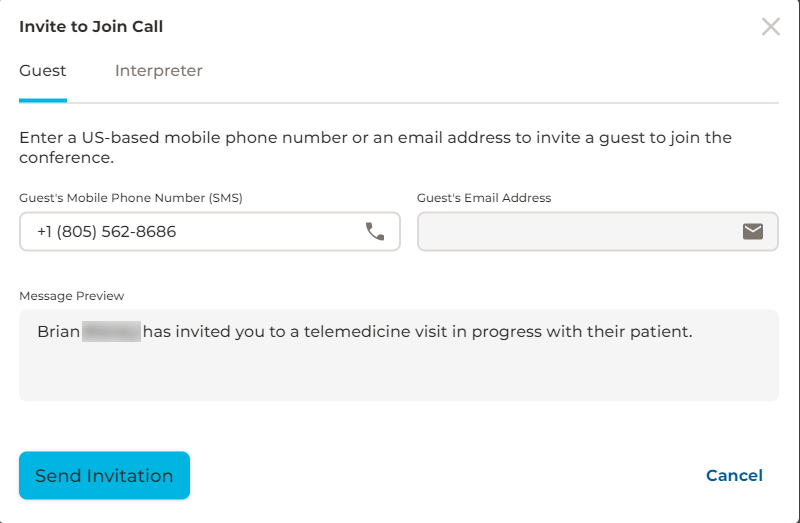
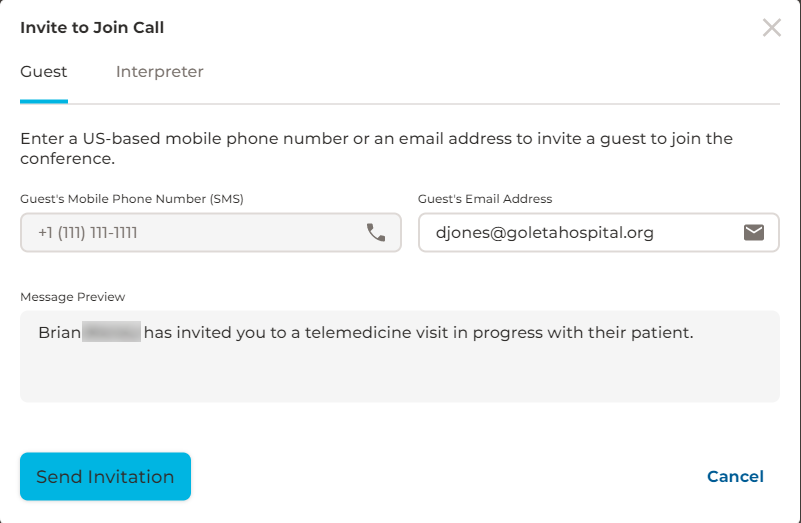
Enter the guest's phone number or email address. The default for phone numbers is US format.
Invite by Phone
Invite by Email
-
Click Send Invitation.
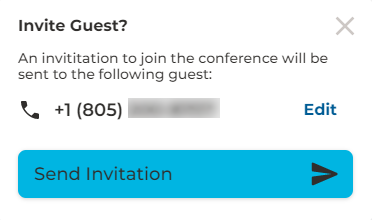
-
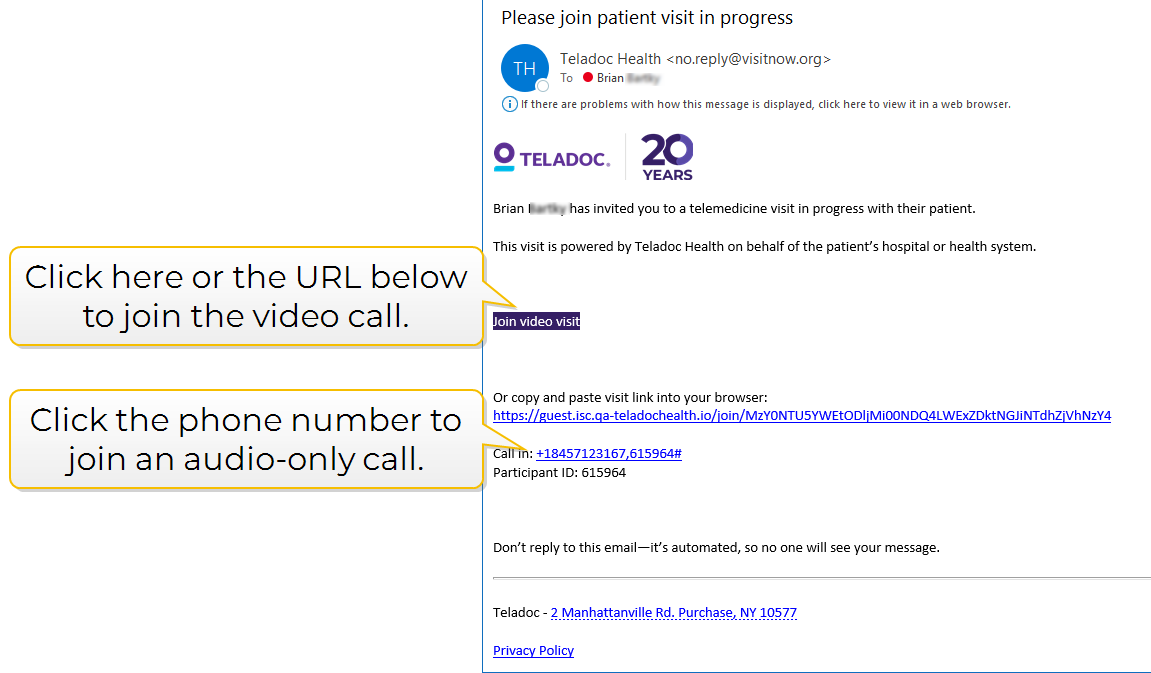
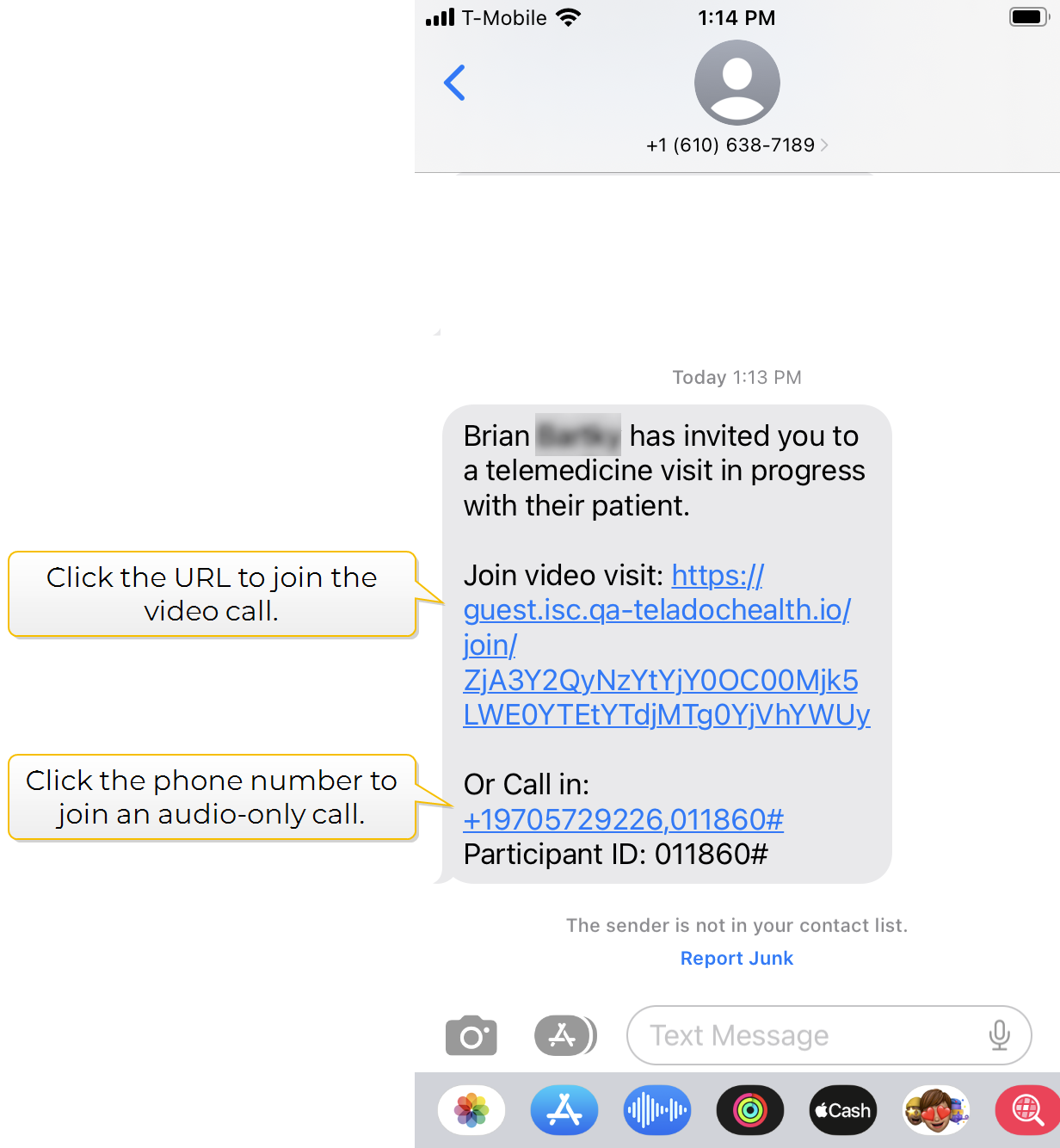
Click Send Invitation. The guest will receive a text message or an email with a link to join the session as shown below.
| Sample Email | Sample Text |
|---|---|
|
|
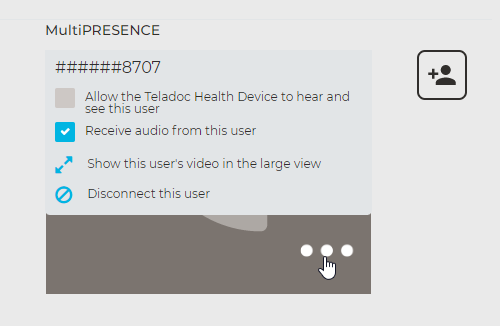
Once the guest has joined the session you will see a phone icon for audio-only calls or the guest's thumbnail for video calls under MultiPresence.
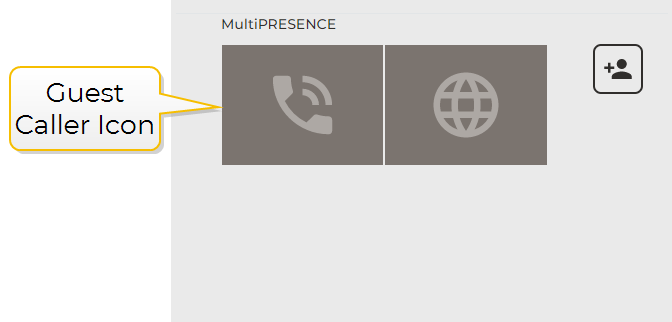
Click the phone icon or the guest's thumbnail in the lower right-hand corner to display the following options.