Desktop Installation
The Teladoc Health desktop App for Windows and the Mac are installed directly onto your computer and launched independently of other applications.
- Click the link in the email or text message from your provider.
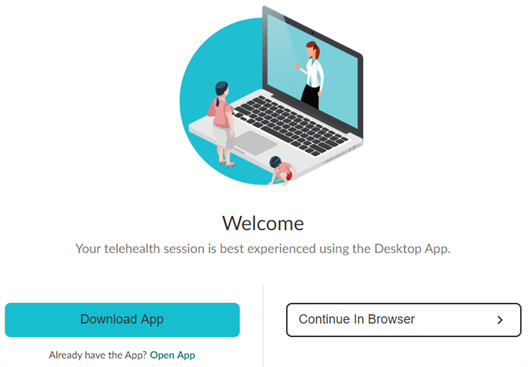
- Select the Download App button
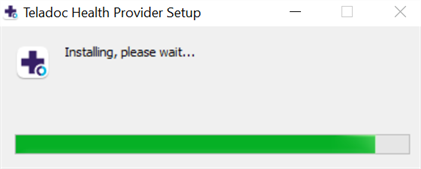
- Double click on the downloaded executable file (exe) from the bottom, left corner. An install dialog will appear.
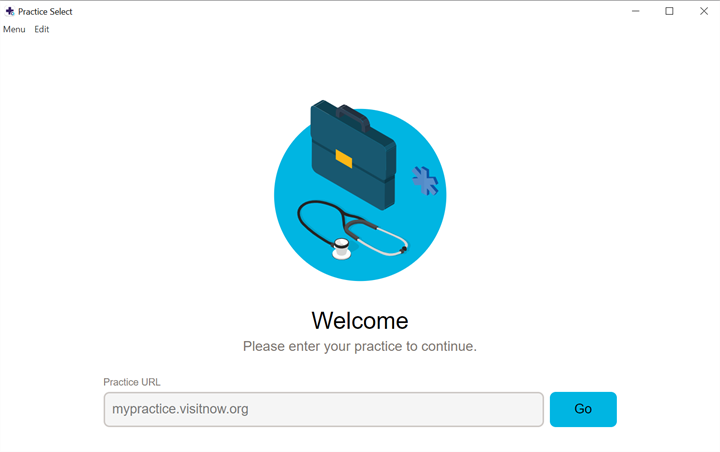
- Enter your practice URL in the field on the Welcome page.
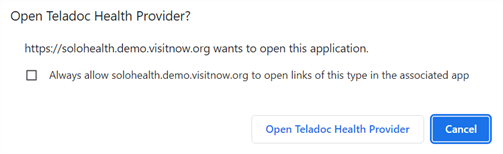
- Select Open Teladoc Health Provider.
Note: If requested, respond Yes to allow access to your computer.