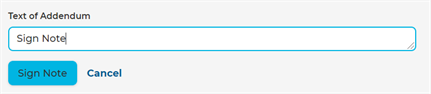
Sign Note
Sign your Smart Notes form once complete. The last practitioner is the final practitioner. Once signed, it cannot be changed and notifications are immediately delivered. Consult Notes can then be automatically faxed, downloaded, printed, or delivered to the patient's practitioner with an HL7 integration message, medical records, billing, and the location where patient care was delivered. Practitioners can retain captured data with a time stamped Consultation Note.
NOTE: Unsigned Smart Notes are indicated by a watermark.
Note: The Encounters dashboard prevents users from cancelling any encounter that contains one or more signed consultation note. Users are alerted from the Encounter details screen.
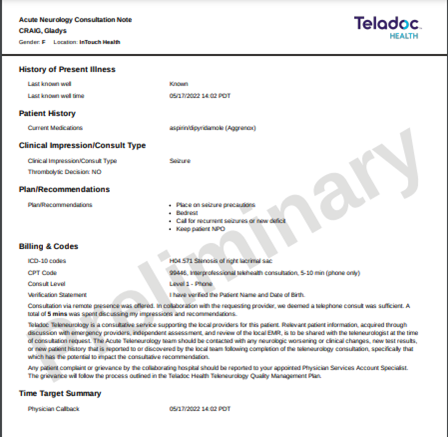
To sign a Note, follow the steps below.
- Select your Consult Note. See the Select Note section.
- Scroll down to select your template from the left navigation panel. In the example below, it's Behavioral Health.
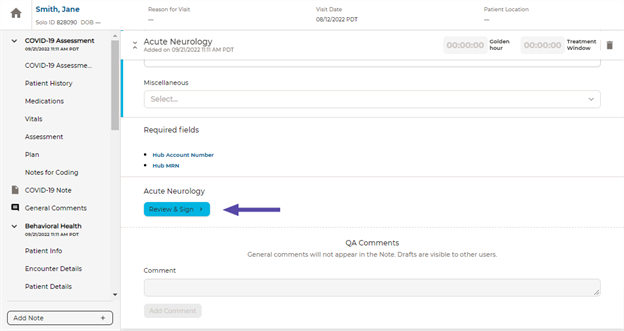
- Click on the Review and Sign button.
- Sign your Smart Notes by selecting Sign Note. The documented practitioner will be the last one who documented an encounter or signed a consult note. The consult note is locked after it has been signed.
- Once signed, you can view your Consult note.
- The icon for your note will change with the designation of Sign Note
Note: After a consult note is signed, the form can be locked and is no longer accessible.