Stethoscope (Optional)
The optional Stethoscope is a third party medical device peripheral that is manufactured by RNK Products, Inc. and is a Class II medical device (K132560). It is used for listening to the auscultation sounds of a patient.
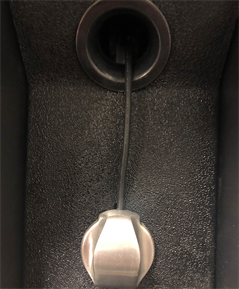
Stethoscope Operation
Select the Stethoscope icon to enable its operation using the Provider Access software.
Note: There is a one second lag between the stethoscope audio on the device side and the transmitted stethoscope audio on the Provider Access side.
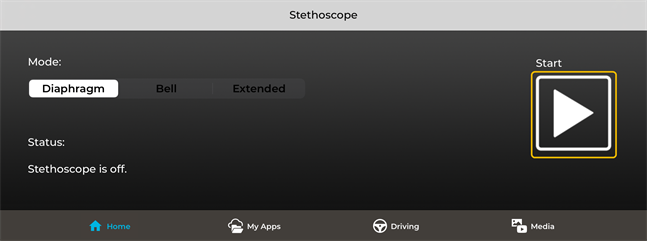
- Attach your headset to the iPad / iPhone and put it on.
- Tap the Stethoscope button to enable the controls.
- Adjust the volume using the iPad / iPhone volume buttons. Keep the volume level to the lowest gain necessary to avoid sound distortions.
- Tap the Start button to start the Stethoscope session.
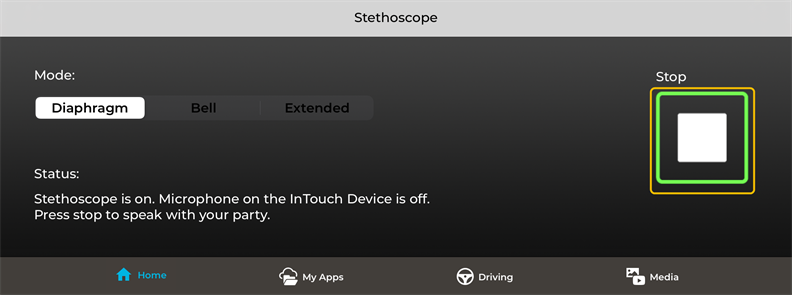
- Tap the Stop button when finished.
- Tap Stethoscope to disable the controls.